Audio
YouTube for Stream Deck XL — You Controller
by D.A.N
Overview
Take tactile control of YouTube from your Stream Deck XL. This is the official profile for the You Controller plugin, laid out for the XL's 32 keys, everything on one page.
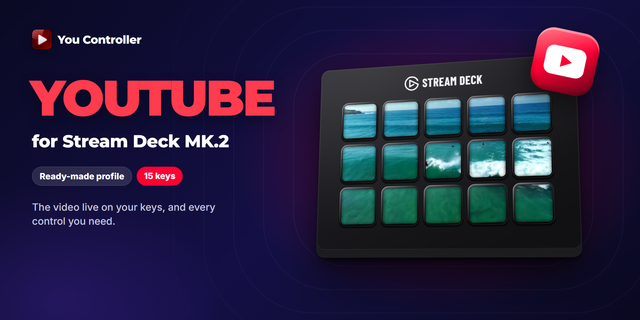
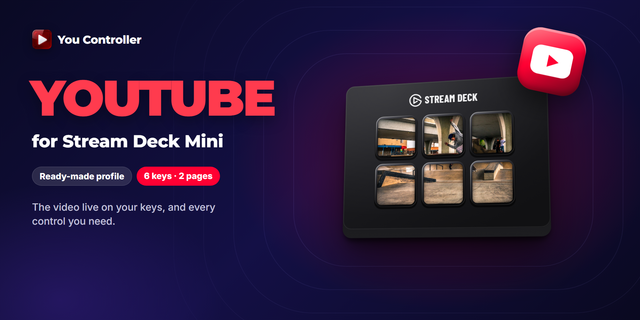
Your video appears on the keys themselves — live, at up to 30 FPS, sliced across the grid with bezel compensation so the picture lines up. Everything below keeps working while YouTube sits in a background tab or the browser is minimised.
⚡ What is on the keys
* Playback: Play / Pause, Next / Previous, seek 5 s / 10 s / 30 s back and forth, jump to the start or the end, Repeat.
* Speed: snap back to 1×, step it by 0.25, toggle 1× / 2× in one press — built for tutorials and lectures.
* Frame by frame, both ways, and A-B loop — for the moments you actually want to study.
* Audio: smooth volume up and down, instant Mute, a one-press 50%.
* YouTube's own: Subtitles on / off, Like, Dislike, Subscribe, Save to playlist.
* Tabs: Next / Previous media tab; Focus tab, which brings the player to the front; Lock tab (PRO), which keeps the keys on one tab while you browse others.
🛠 Requirements
* Elgato Stream Deck XL
* Stream Deck software 7.6 or newer
* You Controller plugin — free on the Marketplace
* You Controller extension for Chrome — free, and REQUIRED: the plugin reads the player through it, so nothing works without both halves
🚀 Setup
1. Install the You Controller plugin and the Chrome extension.
2. Download this profile and double-click the .streamDeckProfile file to import.
3. Open YouTube in Chrome, select the profile on your XL, and the keys take over.
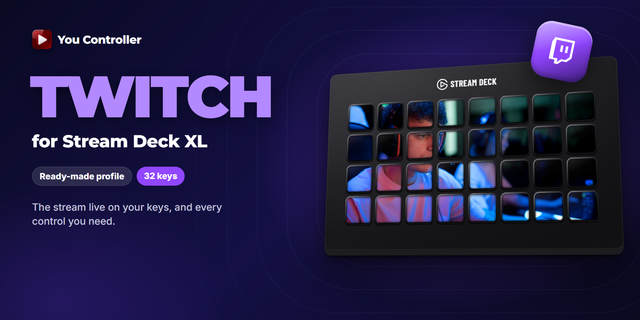
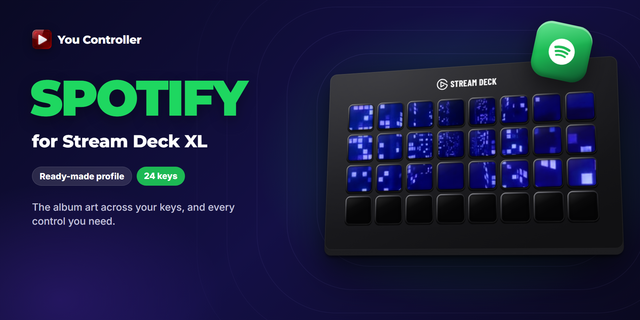
The same plugin also drives Twitch and Spotify, and switches between them on its own as you move between tabs — separate profiles for those are available too.
Take tactile control of YouTube from your Stream Deck XL. This is the official profile for the You Controller plugin, laid out for the XL's 32 keys, everything on one page.
Your video appears on the keys themselves — live, at up to 30 FPS, sliced across the grid with bezel compensation so the picture lines up. Everything below keeps working while YouTube sits in a background tab or the browser is minimised.
⚡ What is on the keys
* Playback: Play / Pause, Next / Previous, seek 5 s / 10 s / 30 s back and forth, jump to the start or the end, Repeat.
* Speed: snap back to 1×, step it by 0.25, toggle 1× / 2× in one press — built for tutorials and lectures.
* Frame by frame, both ways, and A-B loop — for the moments you actually want to study.
* Audio: smooth volume up and down, instant Mute, a one-press 50%.
* YouTube's own: Subtitles on / off, Like, Dislike, Subscribe, Save to playlist.
* Tabs: Next / Previous media tab; Focus tab, which brings the player to the front; Lock tab (PRO), which keeps the keys on one tab while you browse others.
🛠 Requirements
* Elgato Stream Deck XL
* Stream Deck software 7.6 or newer
* You Controller plugin — free on the Marketplace
* You Controller extension for Chrome — free, and REQUIRED: the plugin reads the player through it, so nothing works without both halves
Version 1
Oct 5, 2026
Details
Type
Audio
Music
Streaming
Video
Device
Stream Deck XL
OS
Windows
Compatibility
Stream Deck 7.1 or later
Size
4.45 KB
Version
1
Language
English
Support
Additional links
You might also like