Productivity
Lightroom Classic Pro Profiles Stream Deck +
by SideshowFX
Overview
PUT LIGHTROOM AT YOUR FINGERTIPS
Built exclusively for Stream Deck + • Mac & Windows
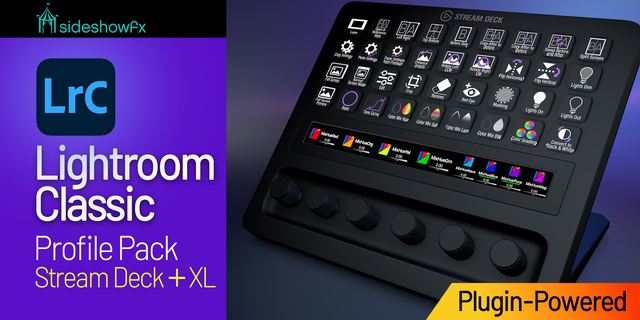
Turn your Stream Deck + into a powerful, purpose-built Lightroom Classic editing console with the SideshowFX Lightroom Classic Pro Toolkit. This isn't simply a shortcut profile.
POWERED BY OUR OWN LIGHTROOM CLASSIC PLUGIN
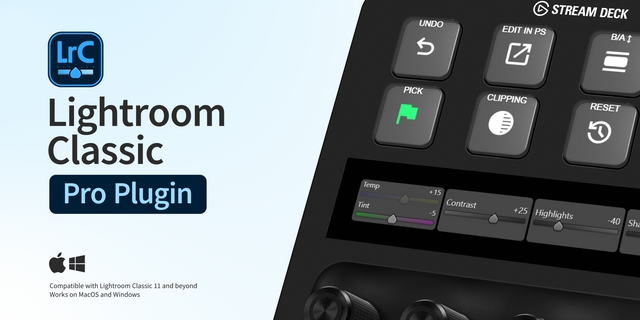
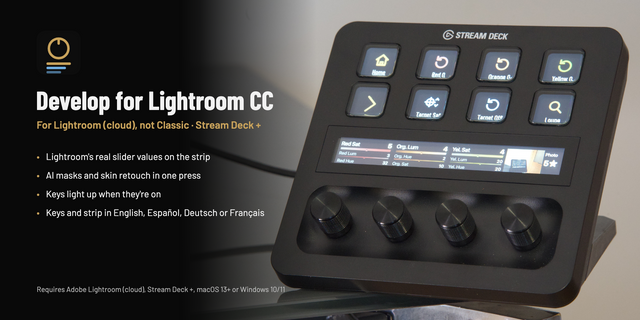
At the heart of this pack is the SideshowFX Lightroom Classic Stream Deck Plugin, developed to communicate directly with Lightroom and control Develop parameters natively through its API. Instead of relying solely on keyboard shortcuts, our plugin gives you direct Lightroom control from your Stream Deck—including extensive Develop adjustment control from the rotary dials. It also powers 700+ Lightroom commands, helping eliminate keyboard-language limitations while giving you an enormous library of functions to choose from.
106 ROTARY DIAL CONTROLS
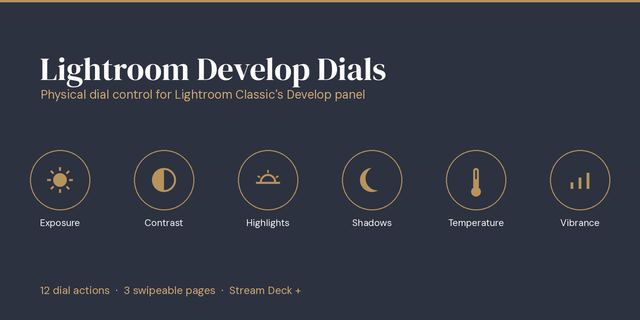
This is where the SideshowFX Lightroom experience really comes to life. Use your Stream Deck +'s rotary dials for fast, tactile control over Lightroom Classic Develop adjustments. With 106 programmed rotary controls, an extensive range of Develop parameters is ready at your fingertips. Make precise adjustments while keeping your attention where it belongs—on your image.
YOUR DIALS. YOUR WORKFLOW.
Our plugin is fully customizable. Reorder, regroup and rearrange your dial controls however you like. Put your most-used adjustments exactly where you want them and build a Lightroom control surface around the way YOU edit.
700+ PLUGIN-DRIVEN COMMANDS ⚡
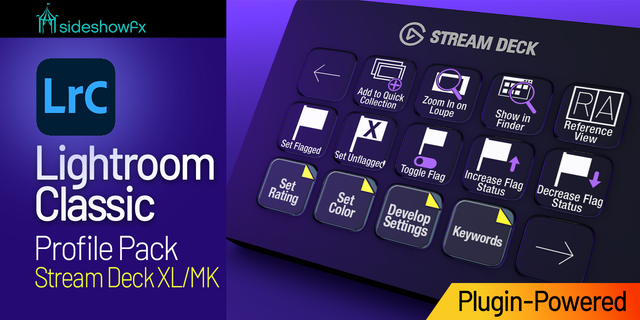
Go far beyond a traditional shortcut profile. More than 700 Lightroom commands are available directly through the SideshowFX plugin, with 240+ controls already programmed into the included profiles. Choose additional commands from the plugin's dropdown menu and customize your profiles with the functions you use most.
368 LIGHTROOM PRESETS — ONE PRESS AWAY
Access all 368 built-in Lightroom Classic presets directly from your Stream Deck. Quickly apply your favourite looks without searching through Lightroom's interface.
8 INTERCONNECTED PROFILES
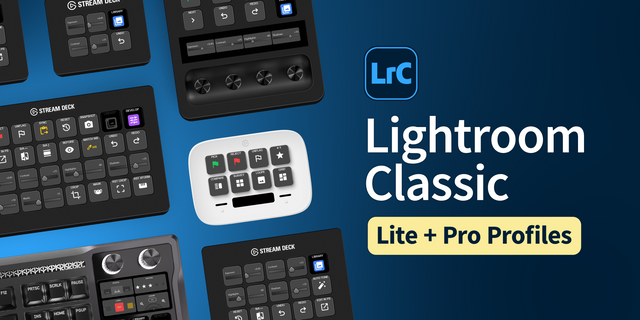
Professionally organized profiles put the right Lightroom tools at your fingertips for different parts of your workflow. Whether you're a professional photographer, enthusiast or somewhere in between, quickly move between the tools and commands you need.
870+ CUSTOM ICONS
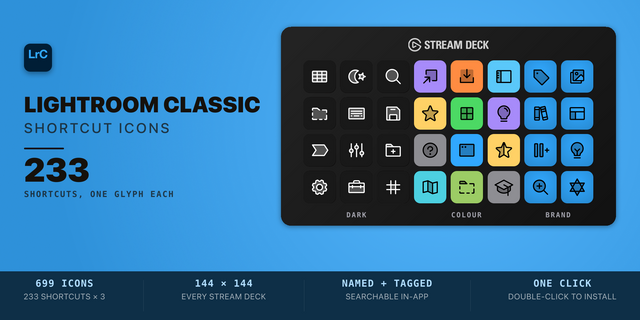
Want to build your own layouts? Choose from 870+ included Lightroom shortcut icons across multiple sets to customize and expand your profiles.
MORE THAN A SHORTCUT PROFILE
✓ SideshowFX Lightroom Classic Stream Deck Plugin ✓ Native Lightroom API control ✓ 106 programmed rotary dial controls ✓ Direct Develop adjustment control ✓ Fully customizable dial layouts ✓ 700+ plugin-driven Lightroom commands ✓ 240+ controls already programmed ✓ All 368 built-in Lightroom presets ✓ 8 interconnected profiles ✓ 870+ shortcut icons ✓ Mac & Windows compatibility ✓ Any keyboard layout ✓ Free updates
This isn't about putting keyboard shortcuts on a Stream Deck. It's about turning your Stream Deck + into a customizable Lightroom editing console.
BEFORE YOU BUY
Requires:
• Stream Deck + • Lightroom Classic • English version of Lightroom Classic • Mac or Windows
Any keyboard layout can be used, including QWERTY, QWERTZ, AZERTY and others. English language version of LrC and English language operating system required.
Watch the Installation & Operation Video: https://youtu.be/1GzSIYrAi-w?si=k6k7uRofSfnkAK9L
View or download the complete PDF guide: https://www.dropbox.com/t/7IlgvRUsvL5U9dlG
Added Crop Top. Crop Bottom, Crop Left and Crop Right dial commands
Changed the incrementation of Straighten
Added user adjustable Fine Step and Coarse Step fields for all dial commands.
Version 4.2
Nov 3, 2026
Details
Type
Productivity
Device
Stream Deck +
OS
macOS
Windows
Compatibility
Stream Deck 7.1 or later
Size
69.81 MB
Version
4.2
Support
Icons
Yes
Dial support
Yes
Additional links
You might also like