Gaming
Race Deck for Forza Horizon 6
by GRAMSHIFT
Overview
Forza Horizon 6 telemetry on your Stream Deck: a 0-100 km/h and 0-60 mph timer that arms itself when you stop and saves the best run of every car, a big gear number with a shift light that flashes at the shift point, and live tyre heat and grip. Built for tuning, launch practice, drag races and clean shifts on PC.
More keys time the quarter mile with trap speed, braking and top speed, show laps, delta and position in races in Forza Horizon 6 and Forza Motorsport, and send game keys for rewind, horn or photo mode: a sim racing button box with a live dashboard. On a Mac, the keys show the game on an Xbox or PC.
Features
Performance Timer: 0-100 km/h, 0-60 mph, 400 m or quarter mile with trap speed, 100-0 km/h or 60-0 mph braking distance, or top speed. Stop the car and the key shows READY; drive off and it times the run on its own
Fair runs only: a pause, a rewind, a menu or a car change during a run shows INVALID and the run stays out of your records
Last and best run saved for every car, with NEW BEST in purple
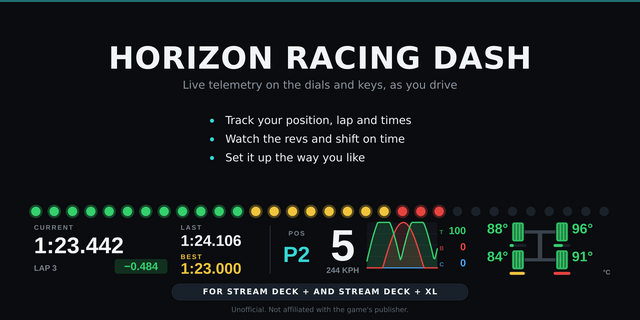
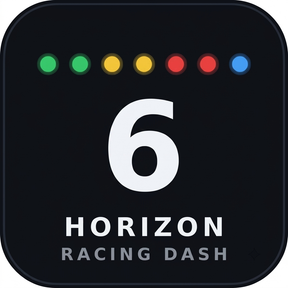
Gear: a big gear number with shift lights that flash at the shift point, plus a number you choose (speed, rpm, boost and more). The shift point learns from your engine, or set it yourself as a share of the highest rpm
Stream Deck +: gear and a shift light bar on the touch strip. Turn the dial to change the number shown
Readout: speed, engine speed, boost, power, torque, fuel, or class and PI on one key
Tyres: the four tyres in their places on the car, colored by temperature or by grip, so you see wheelspin and a sliding front at a glance
Race: position, lap, current, last and best lap, and the delta to your best lap
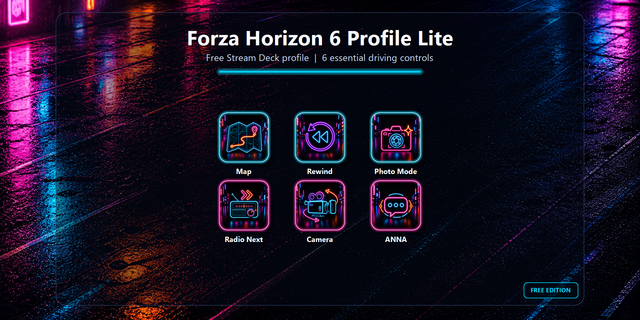
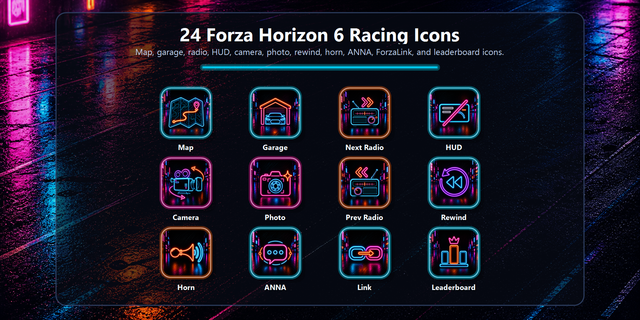
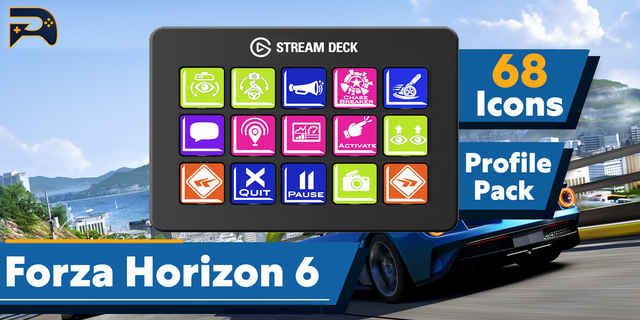
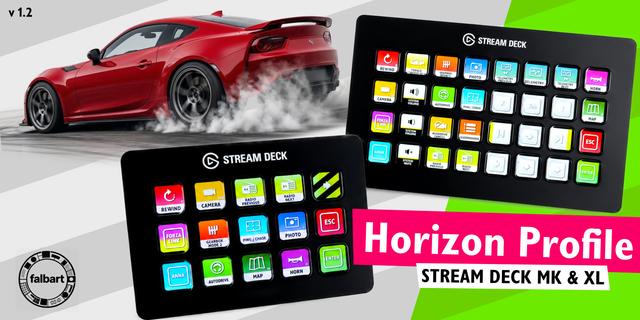
Game Control: rewind, change view, horn, map, photo mode or a control you name yourself
Button box: every key can send the game key you choose (F13, Ctrl+Shift+E...), by default only while the game is the active window
Three looks: Classic, Neon and Carbon
km/h, meters, Celsius, bar and kW, or mph, feet, Fahrenheit, psi and hp
English and Japanese
Setup
Forza Horizon 6: Settings > HUD and Gameplay. Set Data Out to On, Data Out IP Address to 127.0.0.1 and Data Out IP Port to 20830 (the port shown in the key's settings)
Forza Motorsport: Settings > Gameplay & HUD, under UDP Race Telemetry. The same three settings, plus Data Out Packet Format: Dash
Drag a key onto your Stream Deck and drive. The Status line in the key's settings says what arrives
Game on an Xbox or a second PC, or Stream Deck on a Mac: choose "This PC and the network" in Receive from, and enter the address the key's settings show as the Data Out IP Address
To send game keys: set the same key in the game's controls and in "Key to send". For Forza Motorsport, add its program name in Game program
Privacy
Everything runs on your computer. No account, no analytics, nothing is sent online. Telemetry is read in memory; only your runs are stored, in the Stream Deck app
Requirements
Stream Deck app 6.9 or later on Windows 10 or later, or macOS 12 or later
Forza Horizon 6 or Forza Motorsport on a PC or Xbox
Limitations
Game keys go only to a game on this Windows PC; with an Xbox, another PC or a Mac the keys show telemetry only
The game sends Data Out to one address and port: another telemetry app used at the same time has to forward it
The game sends data only while you drive: in pauses, menus and replays the keys wait
Times come from telemetry and can differ slightly from in-game timers
Forza Motorsport in the Sled format has no gear, lap or tyre temperature data: those keys ask you to switch to Dash
Sent keys do not reach a game running as administrator: start it normally
If a press is not sent, the Status line says why
Unofficial. Not affiliated with Microsoft, Xbox Game Studios or Playground Games. Forza is a trademark of the Microsoft group of companies.
Idea or bug? Use the Support link. Every message is read.
Stream Deck on a Mac: the keys now show the telemetry of Forza Horizon 6 or Forza Motorsport running on an Xbox or PC on your network (choose Receive from: This PC and the network). The key settings show this computer's address on your network to enter as the Data Out IP Address in the game. Sending game keys stays with a game on the same Windows PC.
Version 1.0.1
Nov 9, 2026
Details
Type
Gaming
OS
Mac
Windows
Compatibility
Stream Deck 6.9 or later
Size
882.17 KB
Version
1.0.1
Language
English
Japanese
Support
Neo Infobar support
No
Profiles
No
Dial support
Yes
Additional links
You might also like