Gaming
Steam Hub
Overview
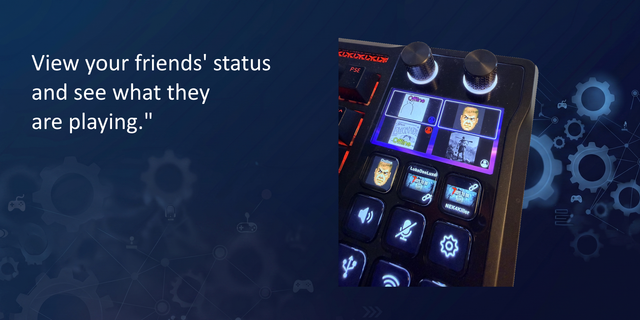
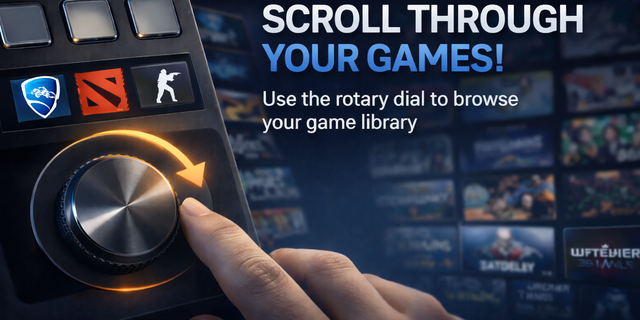
Steam Hub turns your Stream Deck into a hub for your Steam library. Every key wears the game's own store art, so a full profile looks like a shelf of your games instead of a wall of generic icons. Fill a profile automatically, launch something at random, keep an eye on whatever's currently running, time your sessions, and jump straight into Big Picture, your friends list, or any other corner of Steam, all without touching your keyboard.
Key Features
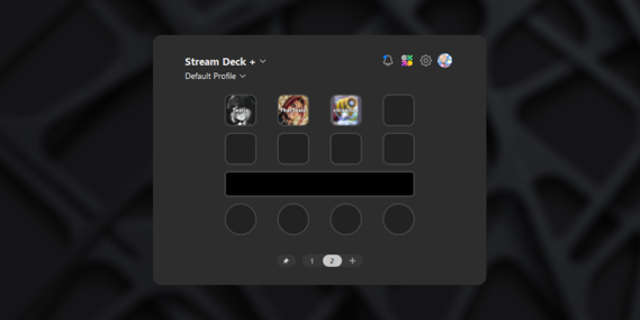
Every key shows the game's own store art instead of a generic icon, so a profile ends up looking like a shelf of your library.
Give each key a number with "Show installed games" and the plugin matches it to a game from your library on its own, no picking which game goes where by hand.
A key can glow green while its game is running, amber while it's updating, so you can tell what's going on without leaving your desk.
One key launches a random game and skips whatever it just picked, so it doesn't feel stuck on repeat.
Now Playing and Play Timer don't need a game configured, they just follow whatever Steam currently has open.
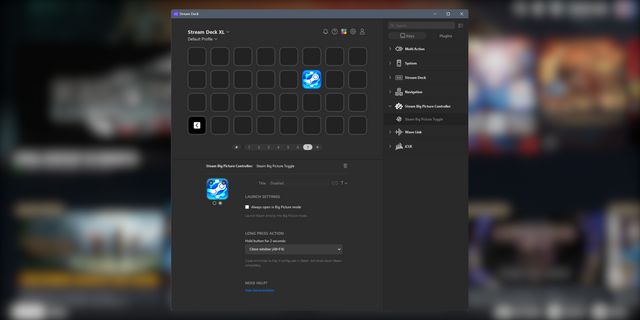
Shortcuts to Big Picture, your library, downloads, friends, and the rest of the Steam client, one key each.
Steam Status: Added the option to toggle between two configurable statuses (Online and Invisible by default). A short press switches between them, while a long press still opens the friends list.
Launch Game: Added visual download progress, with an amber frame that fills up and displays the percentage.
Show Installed Games: Now displays download progress percentages during game updates, not just initial installations.
Launch Error Detection: Added detection of permission conflicts between Steam and Stream Deck (administrator privileges). The log explains the issue and how to fix it, while the key displays an alert instead of incorrectly indicating a successful launch.
Play Timer: Updated the icon to match its new design.
Version 1.3.1
Nov 2, 2026
Details
Type
Gaming
Utilities
OS
Mac
Windows
Compatibility
Stream Deck 7.1 or later
Size
2.06 MB
Version
1.3.1
Language
English
Support
Neo Infobar support
No
Profiles
Yes
Dial support
Yes
You might also like