Gaming
Utilities for Steam
by southinc
Overview
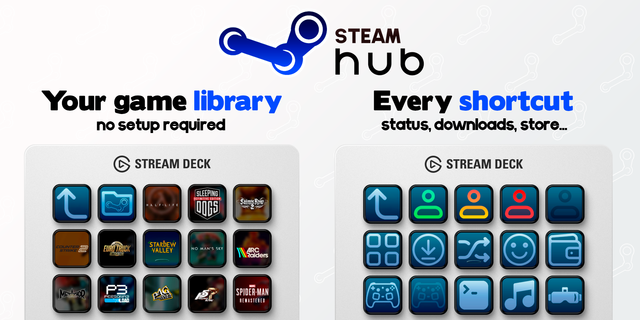
Launches your installed Steam games from Stream Deck keys.
• Library: one key per category (all games, favorites, or your own Steam categories). Shows how many installed games are in it. Press it to see only those games.
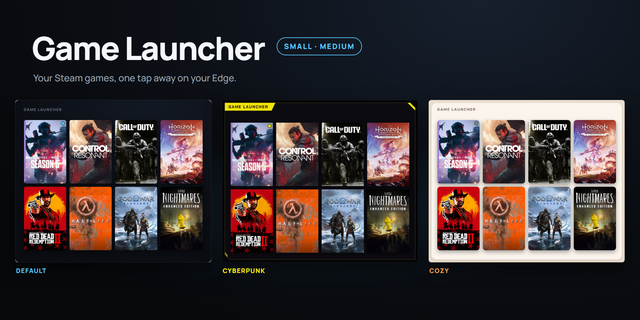
• Game Slot: shows a game's art and name. Press it to start the game.
• Status: switch between Online, Away, Invisible and Offline.
• Wishlist: shows games on your wishlist that are on sale. Off until you turn it on.
• Downloads: opens the downloads screen and shows what is downloading.
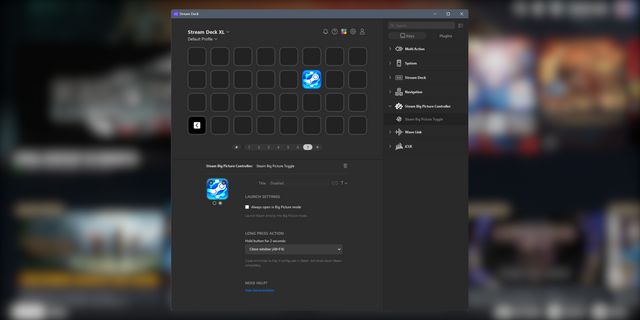
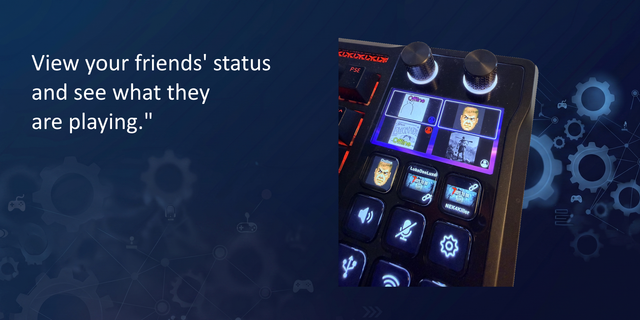
• Store, Friends, Big Picture: open those Steam screens. Press Big Picture again to leave it.
• Next Page: for when you have more games than keys.
• Shortcut: opens a steam:// or https:// link that you set.
Main and Game List profiles for the 15-key Stream Deck are included.
First release.
Version 1
Oct 13, 2026
Details
Type
Gaming
Utilities
OS
Windows
Compatibility
Stream Deck 7.1 or later
Size
357.06 KB
Version
1
Language
English
Japanese
Support
Neo Infobar support
No
Dial support
No
Profiles
Yes
Additional links
You might also like