Creative Tools
Stream Deck FX and Transitions for Davinci Resolve
by SideshowFX
Overview
APPLY DAVINCI RESOLVE EFFECTS WITH ONE PRESS
415 DAVINCI EFFECTS & TRANSITIONS • 98 BONUS RED GIANT COMMANDS • 513 PROGRAMMED COMMANDS
Stream Deck XL & MK1/MK2 Only • Mac & Windows • DaVinci Resolve 20.1 or Later
⚡ SELECT A CLIP. PRESS A KEY. APPLY AN EFFECT.
Stop searching through DaVinci Resolve's Effects Library every time you want to apply an effect or transition. With the SideshowFX DaVinci Resolve FX Pack, you can call up and apply effects and transitions directly to your selected clip at the press of a Stream Deck key. Less searching. Faster editing. More creativity.
🎨 415 READY-TO-USE EFFECTS & TRANSITIONS
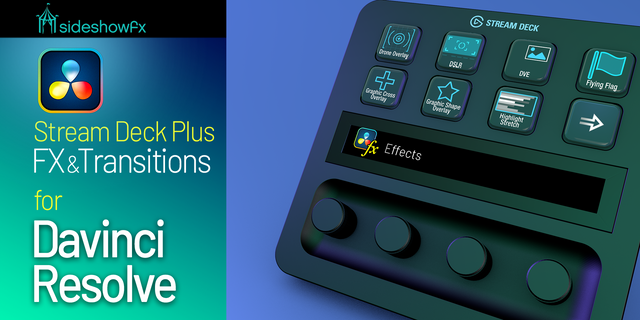
We've preprogrammed 415 DaVinci Resolve effects and transitions into organized Stream Deck profiles. Instead of repeatedly navigating the Effects Library, access your creative tools directly from your Stream Deck XL or MK device. Whether you're editing videos, adding visual effects or experimenting with transitions, keep an extensive library of creative options at your fingertips. No need to program hundreds of individual effect commands yourself.
🎁 BONUS: 98 RED GIANT UNIVERSE COMMANDS
Expand your creative possibilities with 98 additional preprogrammed commands for Red Giant Universe effects and transitions. Access supported Universe effects through your Stream Deck alongside DaVinci Resolve's built-in effects. Important: Red Giant Universe requires a separate, valid license. The Red Giant software is not included.
🎛️ BUILT FOR STREAM DECK XL & MK
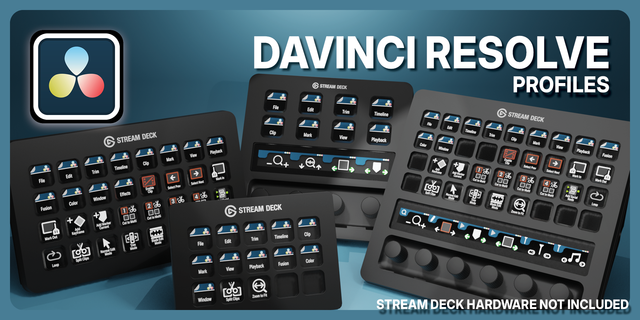
Take advantage of ready-to-use profiles designed for:
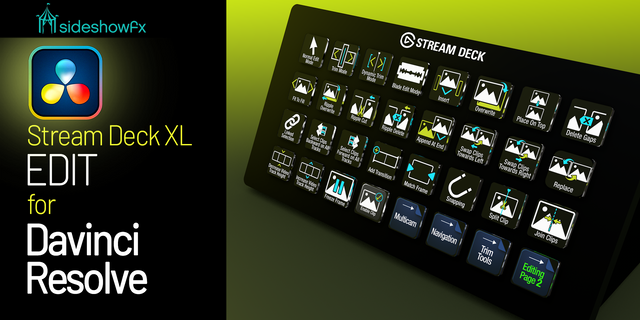
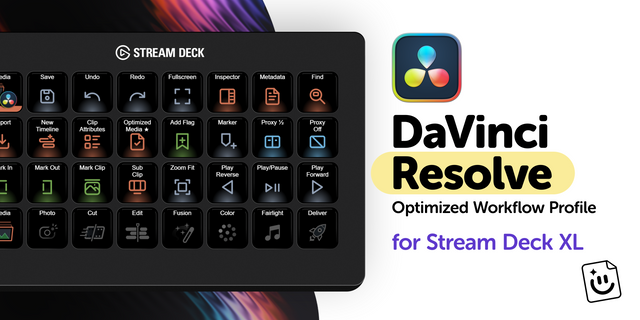
STREAM DECK XL 32-key layout (8 × 4)
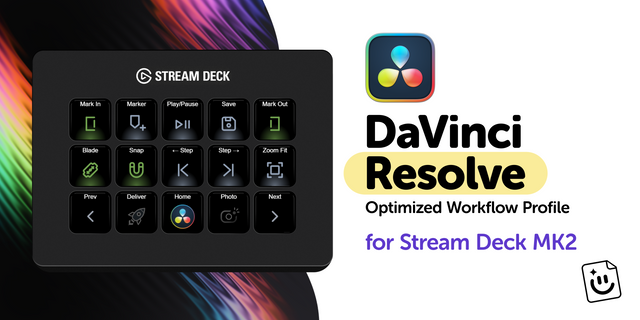
STREAM DECK MK1 & MK2 15-key layout (5 × 3)
Both Mac and Windows versions are included.
🎬 A CREATIVE COMPANION TO YOUR EDITING WORKFLOW
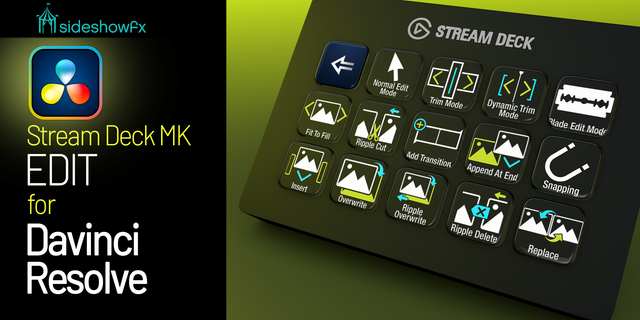
Your DaVinci Resolve Pro Profiles provide shortcuts for navigating and operating the application. The FX Pack goes further for effects: it lets you call up and apply preprogrammed effects and transitions to your selected clip. Keep your attention on the edit instead of searching through menus.
✓ WHAT YOU GET
✓ 415 preprogrammed DaVinci Resolve effects and transitions ✓ 98 bonus Red Giant Universe effect and transition commands ✓ 513 programmed commands in total ✓ Ready-to-use Stream Deck XL profiles ✓ Ready-to-use Stream Deck MK1/MK2 profiles ✓ Mac and Windows versions ✓ Installation video guide
⚠️ BEFORE YOU BUY
• Stream Deck XL and MK1/MK2 only • NOT compatible with Stream Deck + • Mac and Windows supported • DaVinci Resolve 20.1 or later required • Red Giant Universe commands require a separately licensed installation • Red Giant Universe software is not included • DaVinci Resolve must be installed separately
INSTALLATION VIDEO: https://youtu.be/yhkprtcQVCs
SIDESHOWFX — PREMIUM STREAM DECK WORKFLOWS. HANDCRAFTED & ENGINEERED SINCE 2019.
No release notes for this version
Version 1
Aug 22, 2025
Details
Type
Creative Tools
Video
Device
Stream Deck MK
Stream Deck Mobile
Stream Deck XL
OS
macOS
Windows
Compatibility
Stream Deck 6.4 or later
Size
80.54 MB
Version
1
Support
Icons
Yes
Additional links
You might also like