Utilities

Tools Deck

Overview

Tools Deck is a Windows and macOS Stream Deck plugin for the desk and the network. Eight keys, nothing else to install. Logs stay on the computer.

Lock Computer: One press locks the Mac or the PC.

System Health: The key counts real problems, not log noise. On a Mac it is Mac Health: crash reports plus kernel, disk, and backup faults. On Windows it is PC Health: the filtered event log, with the usual noise left out. Press opens a timeline for that key's span. Switch the span on the page. Hover a mark, click it, and jump to that row. Each row can ask Grok or Claude.

Downtime: Watch failovers off your primary provider, or watch real outages. One key picks the measure and the span, from the last hour out to a year. Two keys can track both and share one history. Sleep, shutdown, and quitting Stream Deck are not counted. VPN time is ignored for failovers. Press opens the same kind of timeline, with length and type for each incident.

WAN / Provider: Shows which internet you are actually on: provider name, public IP, and primary or failover. Set your primary once. The face updates when the router switches paths. No router login.

Public IP: Live public IPv4 on the key. Press refreshes it.

Ping: Live latency, a mini sparkline, and a color for good, slow, or down.

Ping Stability: The same check, drawn bigger: sparkline, average, and loss, so a flaky line is obvious from across the desk.

Speed Test: Download and upload on demand through Cloudflare, or through an HTTP address you set. No speed-test app to install. The result is labeled as a Cloudflare test.

Added system health. And internet failover logs.

Version 0.2.3

Oct 26, 2026

Details

Type

Utilities

OS

Mac

Windows

Compatibility

Stream Deck 6.9 or later

Size

233.02 KB

Version

0.2.3

Language

English

Support

Neo Infobar support

No

Profiles

No

Dial support

No

You might also like
  • Web Analytics
    Web Analytics app icon

    Web Analytics

    by Hypercode

    ∙

    Business

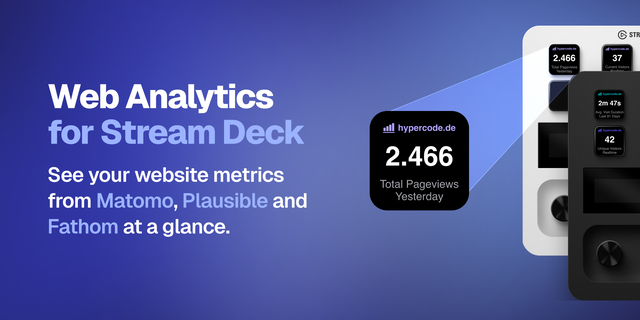
    Web Analytics for Stream Deck keeps the metrics that matter visible at a glance. Add separate Matomo, Plausible, and Fat...

    Free

  • Busy Toggle
    Busy Toggle app icon

    Busy Toggle

    by 2kit

    ∙

    Productivity

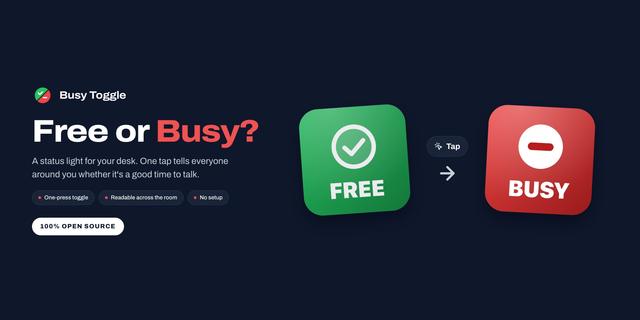
    Open source: https://github.com/lenadweb/stream-deck-busy-plugin Busy Toggle turns a key into a status light for your de...

    Free

  • Cloud Status
    Cloud Status app icon

    Cloud Status

    by Carter Lloyds

    ∙

    Utilities

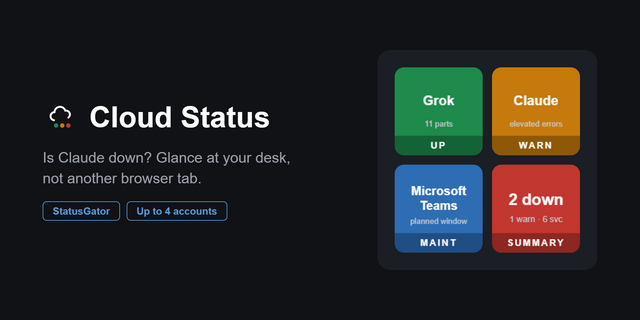
    One look at your Stream Deck tells you whether you need to reboot your computer, or your cloud vendor needs to reboot th...

    Free

  • Metrics
    Metrics app icon

    Metrics

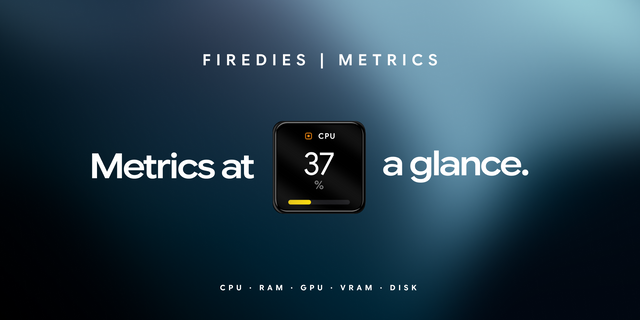
    CPU, RAM, GPU, VRAM and disk, live on your keys. You only look at your machine’s numbers once something has already gone...

    Free

  • Token Pulse
    Token Pulse app icon

    Token Pulse

    by Tiltti

    ∙

    Development

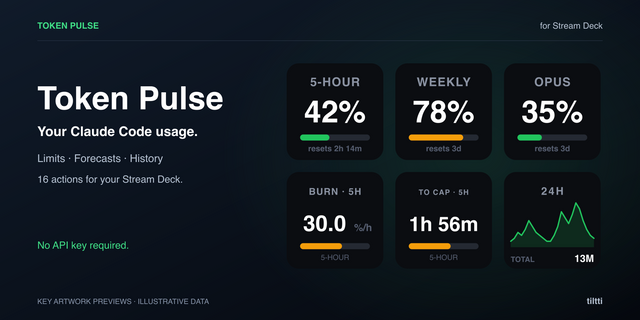
    Token Pulse puts your Claude Code usage limits on the keys of your Stream Deck, so you can see how much of your session,...

    Free

  • Wi-Fi Switcher
    Wi-Fi Switcher app icon

    Wi-Fi Switcher

    by BenLab

    ∙

    Utilities

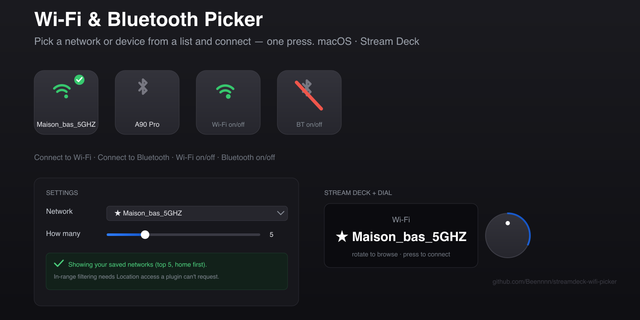
    Switch between your saved Wi-Fi networks from a Stream Deck key or dial. macOS only. Because macOS hides Wi-Fi network n...

    Free

  • System Usage
    System Usage app icon

    System Usage

    by Corrugator Inc.

    ∙

    Monitoring

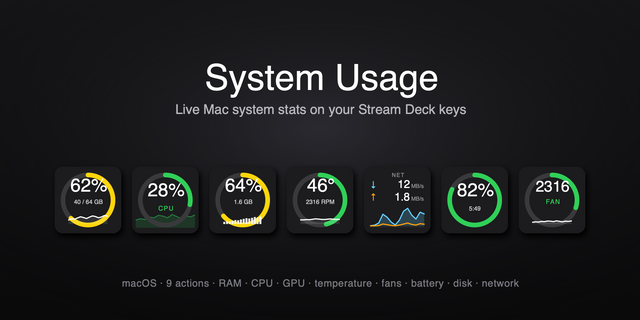
    System Usage puts live macOS RAM and CPU load right on your Stream Deck — a clean, color-coded percentage that turns gre...

    Free

  • Core System Monitor
    Core System Monitor app icon

    Core System Monitor

    by SonicStudio,LLC

    ∙

    Monitoring

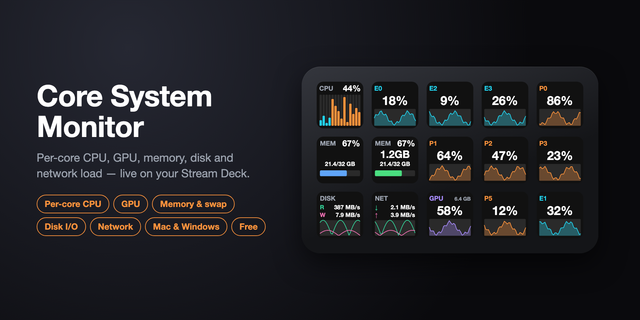
    See your whole system at a glance — right on your Stream Deck. Core System Monitor shows live CPU, GPU, memory, disk, ne...

    Free