Development

App Store Connect Deck

Overview

Less switching. More shipping.

Bring your App Store Connect workflow to Stream Deck. Keep build states, release progress and your next useful action right where you need them.

Six actions. Your setup.

- Build Status — Follow the latest upload or pin a build. See processing, beta status and time until expiry.

- Distribute Build — Choose a build and TestFlight group. Press to preview, then press again within eight seconds to confirm.

- Release Status — Keep review and publication status in sight.

- Phased Release — Follow your rollout’s state and day.

- Workflow Status — Watch the latest Xcode Cloud run and its result.

- Run Workflow — Launch your chosen workflow and branch with one press.

Configure each key independently, add custom labels and build a control panel around the apps you ship. Visible keys refresh every minute, and status keys open the relevant details in App Store Connect.

Direct connection. No telemetry.

One shared team API connection, with your signing key kept in an external local file.

Requires Stream Deck 7.1+ and an App Store Connect team API key with appropriate permissions. Xcode Cloud workflows must already be configured. TestFlight distribution remains subject to Apple’s eligibility requirements.

Independent plugin. Not affiliated with Apple or Elgato.

What’s new in 1.1.0

- Added Spanish (Spain) across all six actions, key displays, settings, help and error messages. The plugin follows your Stream Deck application language.

- Improved text layout for emoji titles and long build identifiers.

- Added language-neutral startup icons.

- Updated a dependency to address a security vulnerability.

Version 1.1

Nov 2, 2026

Details

Type

Development

Productivity

OS

Mac

Windows

Compatibility

Stream Deck 7.1 or later

Size

316.92 KB

Version

1.1

Language

English

Spanish

Support

Profiles

No

Dial support

No

Neo Infobar support

No

Additional links

You might also like

  • Xcode Shortcut Profile

    Xcode Shortcut Profile

    by Adx.cool

    ∙

    Development

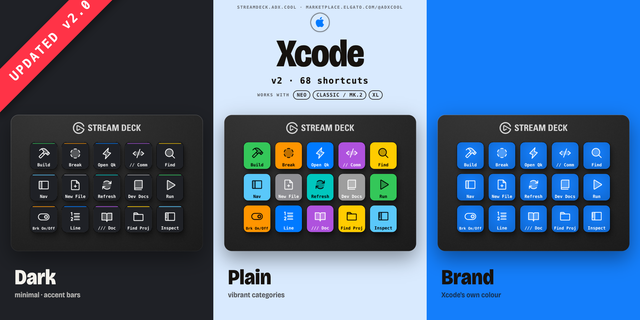
    v2 — 2026-07-13 Xcode 26 sync. +8 shortcuts over v1, led by the Xcode 26 Intelligence surface. The complete Xcode keyboa...

    $5.17

  • Xcode
    Xcode app icon

    Xcode

    by Daniel Kennett

    ∙

    Development

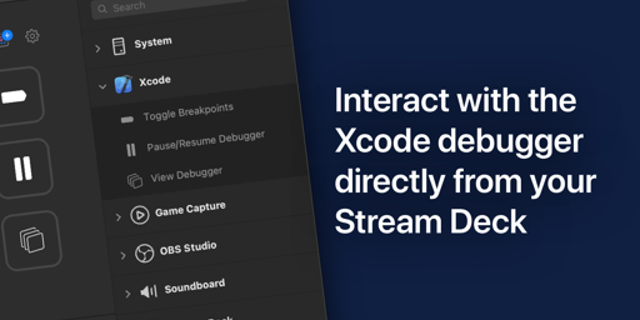
    Add Xcode actions to your Stream Deck....

    Free

  • Xcode Assist
    Xcode Assist app icon

    Xcode Assist

    by Dloper

    ∙

    Development

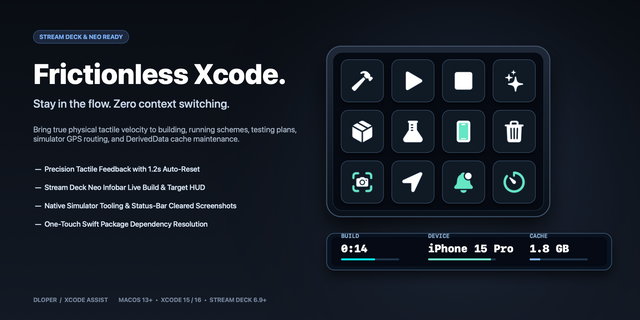
    Xcode Assist turns Stream Deck into mission control for Xcode and iOS Simulator. Build, run, stop, clean and test the ac...

    $4.99

  • DevDeck
    DevDeck app icon

    DevDeck

    by Dloper

    ∙

    Development

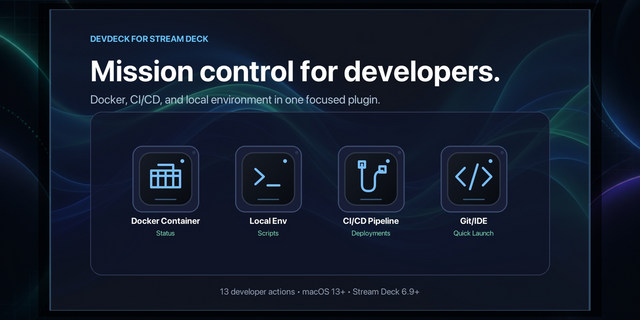
    DevDeck is the ultimate mission control for developers. It turns your Stream Deck into a powerful control surface for ma...

    $6.49

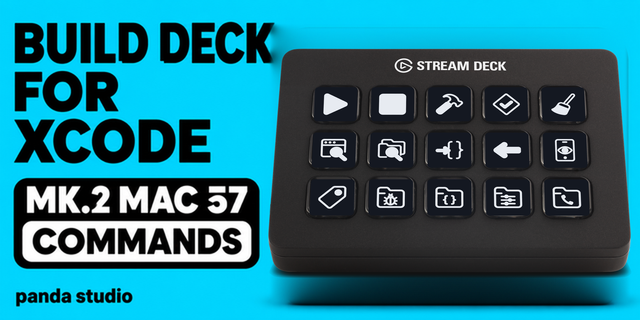
  • Build Deck for Xcode — Stream Deck MK.2

    Build Deck for Xcode — Stream Deck MK.2

    by panda studio

    ∙

    Streaming

    An Xcode deck for Stream Deck on Mac: build, run, debug and preview without leaving the editor. 57 commands on 61 keys, ...

    $1,000.00

  • Browser Profile Launchpad
    Browser Profile Launchpad app icon

    Browser Profile Launchpad

    by Magoo

    ∙

    Business

    Launch Sites In Context Browser Profile Launchpad is a Stream Deck plugin for people who keep work, personal, client, or...

    $3.99

  • Repo Garden
    Repo Garden app icon

    Repo Garden

    by Arturo

    ∙

    Development

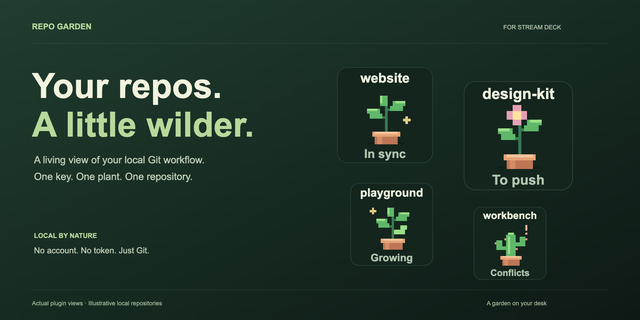
    A little garden. A clearer head. Turn your local Git repositories into a pixel-art garden on your Stream Deck. Each key ...

    $1.99

  • Vercel Deploy Tracker
    Vercel Deploy Tracker app icon

    Vercel Deploy Tracker

    by Adx.cool

    ∙

    Development

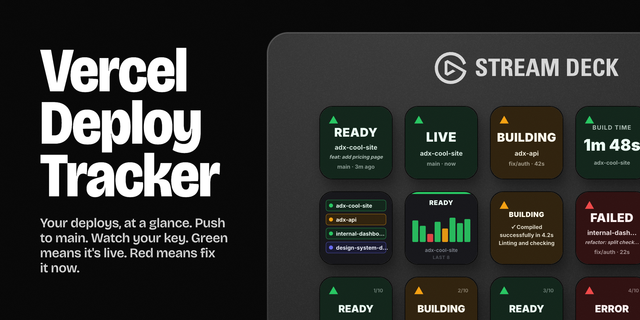
    Live Vercel deployment status on your Stream Deck. Push to main, watch your key — green means it's live, red means fix i...

    $1.99