Inspiration
Stream Deck Pedal: Top 5 things you can do

James Espinoza
Technical Marketing Specialist
April 13, 2023
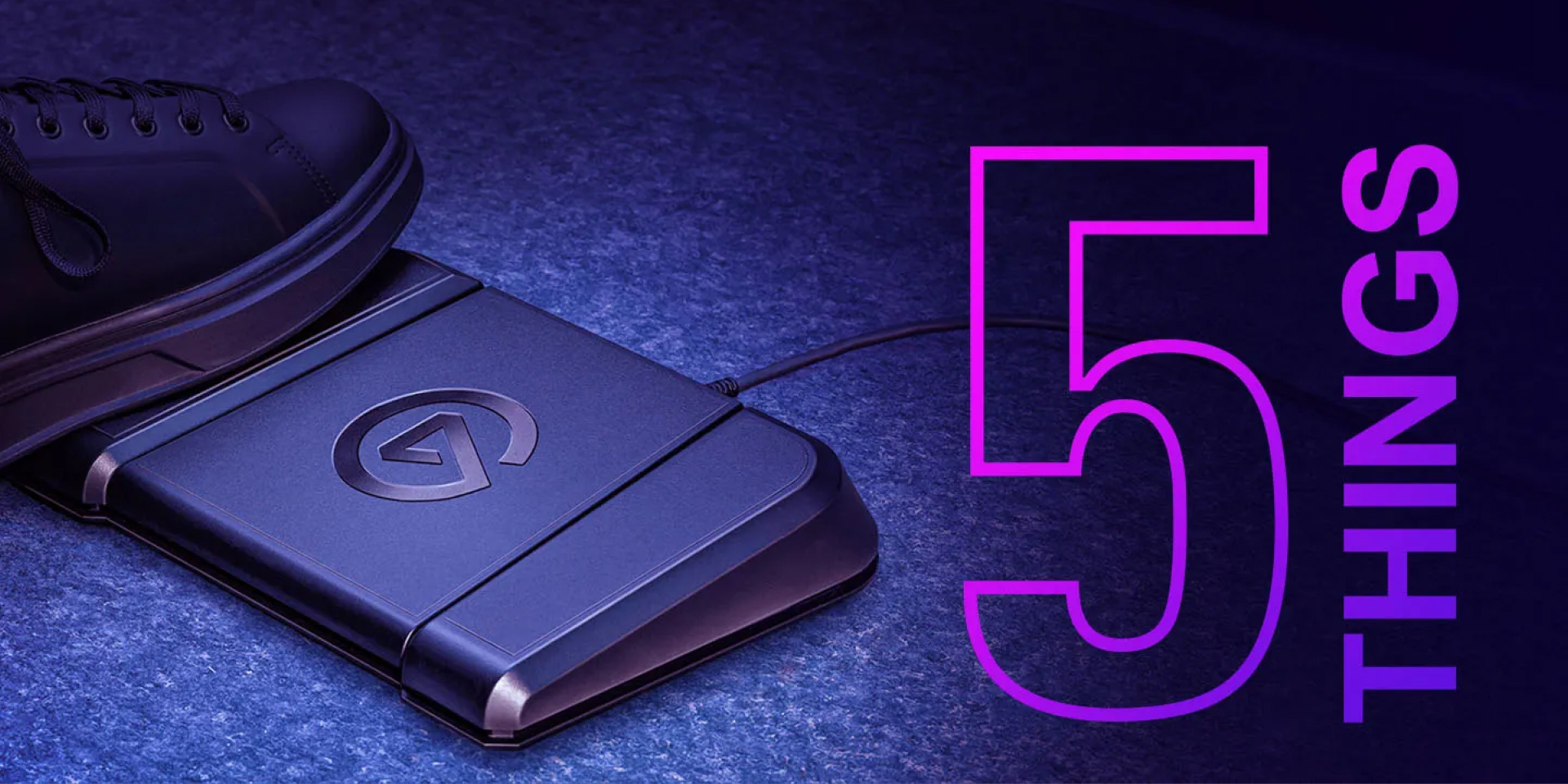
Stream Deck Pedal is the ultimate hands-free studio controller. Sturdy, customizable, and discreet, Stream Deck Pedal gives you instant, hands-free control of your apps and tools. From triggering app actions in OBS Studio and PowerPoint to jam sessions, this article will go over five things to know about Stream Deck Pedal.
Lights, camera, action
Jam out, cook, or unbox while switching scenes and triggering effects. Stream Deck Pedal makes it easy to go live, toggle cameras, and more — without ever reaching for your PC.


Level up your game
No matter your game genre, Stream Deck Pedal comes in clutch. Playing an MMO like Lost Ark? Hop on your mount, skip dialogue, or consume health potions with a tap of your foot.
Taking aim in FPS titles like Escape from Tarkov? Use Stream Deck Pedal to check your inventory or lean-peak.
Stream Deck Pedal makes these repetitive actions effortless.
Simplify your workflow
Got a slide project to share with colleagues? With the right plugins and Stream Deck Pedal, hands-free presentations are a piece of cake.
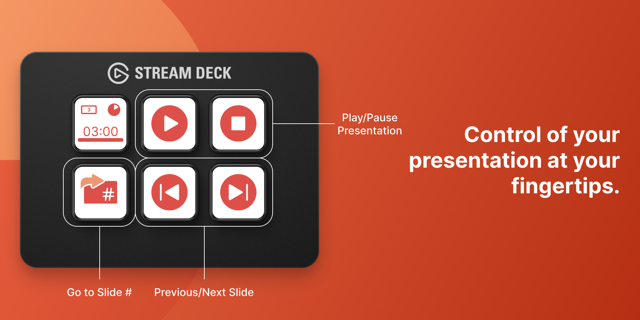

Getting creative with photo or video editing? Try using your feet to boost productivity — your hands will thank you.
Music production
Go hands-free when creating a new track or switching articulations on the fly. Stream Deck Pedal makes composing, producing, recording, or mixing audio easier than ever.
Discord control
Controlling Discord has never been easier. Toggle mute, push to talk, deafen, join a voice channel, and more.


Only three actions? Think again.
Ready to take Stream Deck Pedal to the next level? With smart profiles, create unique key layouts that load automatically every time you switch apps. Create limitless profiles for all your favorite apps, then cruise through your workflow with your feet.
Related Content

Discover the perfect sound with Equalizer Presets
Unlock your sound's full potential with EQ Presets.
Inspiration
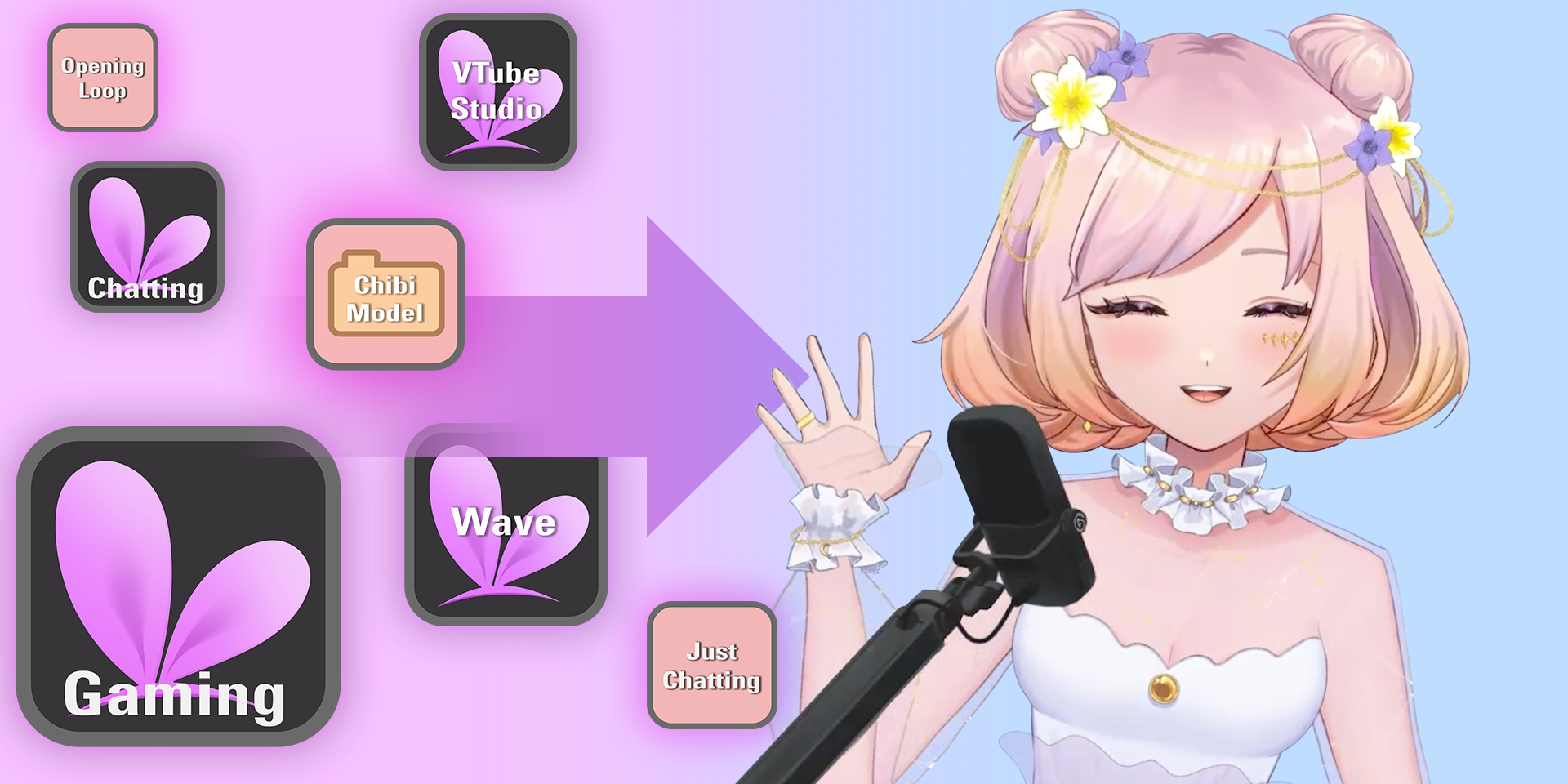
Streamline your VTube Studio experience
Level up VTube Studio with Stream Deck. Streamline toggles, controls, and model placement.
Inspiration
September 21, 2023

Transform Your D&D Adventures
Create a more immersive experience.
Inspiration
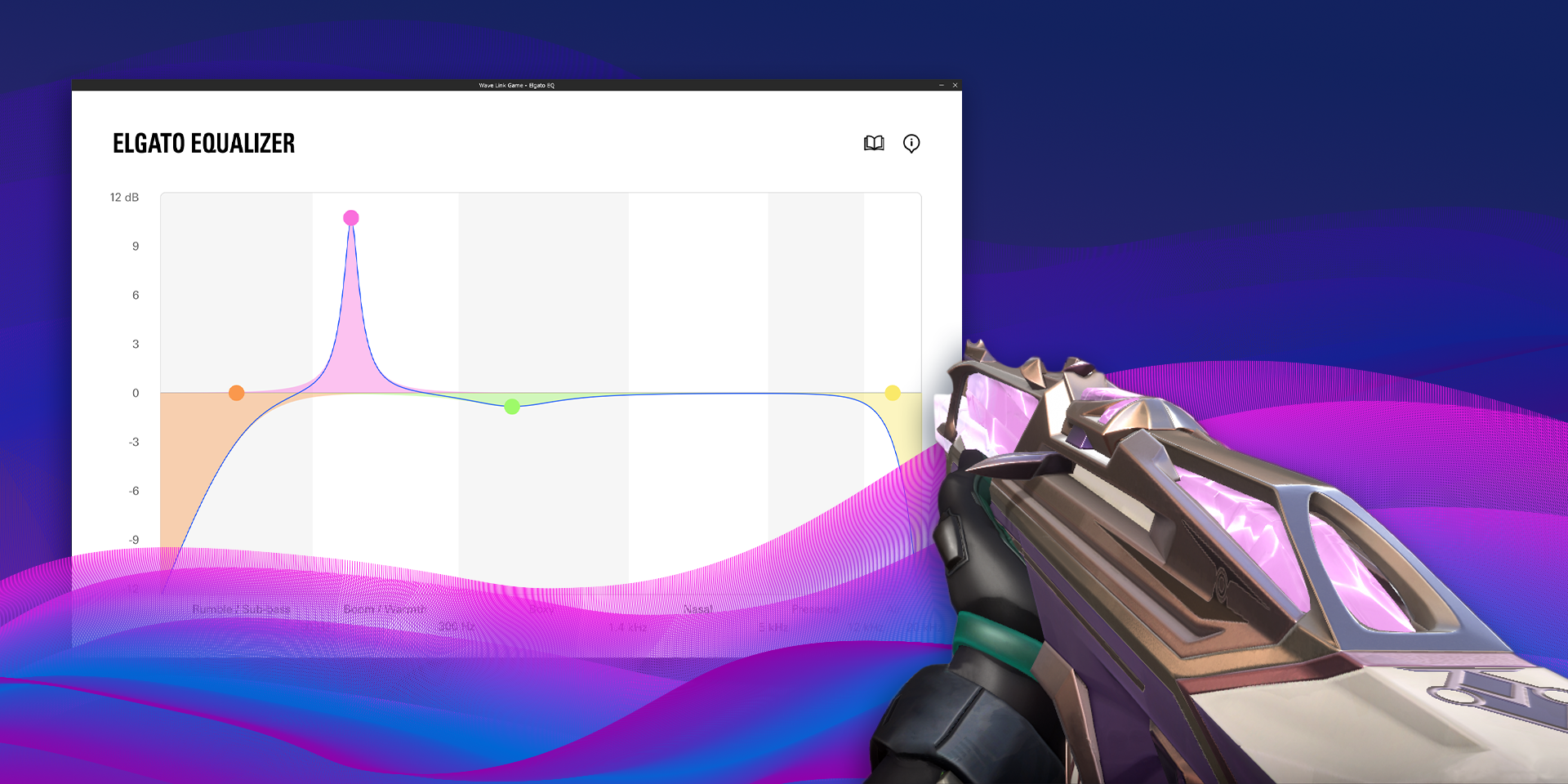
Elgato Equalizer: Step up your game
Discover the Elgato Equalizer, the secret weapon to mastering sound.
Inspiration
July 27, 2023
Stream Design 101: A Beginner’s Guide
New streamer? Read this first. What is an overlay? What are the top 5 essential graphics?
Inspiration
Profiles. Pages. Folders.
Profiles, Pages, and Folders.
Inspiration
What should your next setup upgrade be?
Let's talk about ways to improve your content with Elgato.
Inspiration
A One-Tap Safe Mode Key
How to Protect Yourself From Hate Raids.
Inspiration
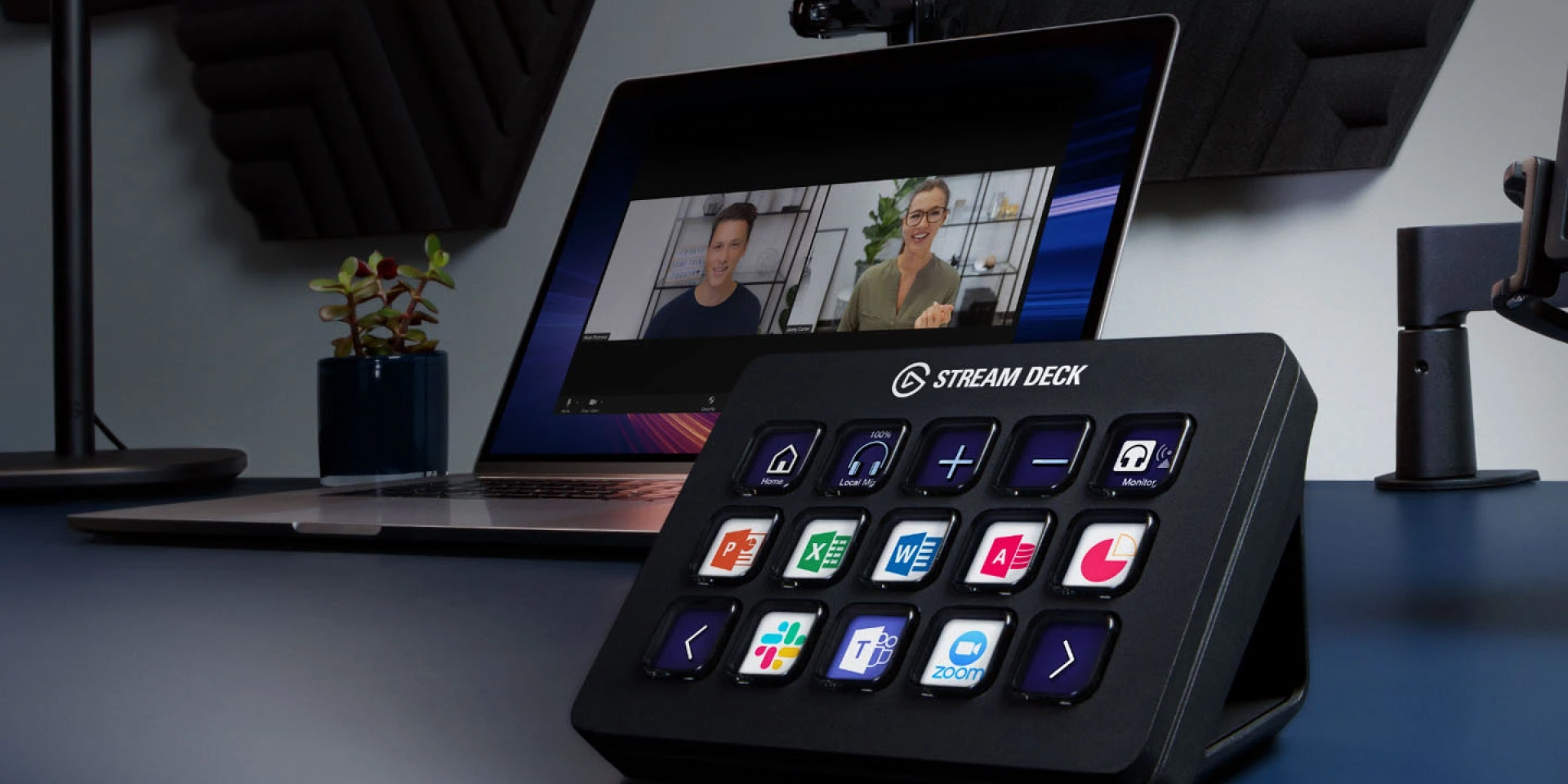
Hack your workflow with Stream Deck
Enhance your productivity with these supercharged actions and plugins.
Inspiration
5 things you didn't know about Stream Deck
Nested folders, Siri voice control, smart profiles, SDK resources, and more.
Inspiration